
Morphological Gradient
The difference between a dilated and an eroded copy of the image outlines object boundaries with even thickness. It is a standard edge-finding tool in mathematical morphology.
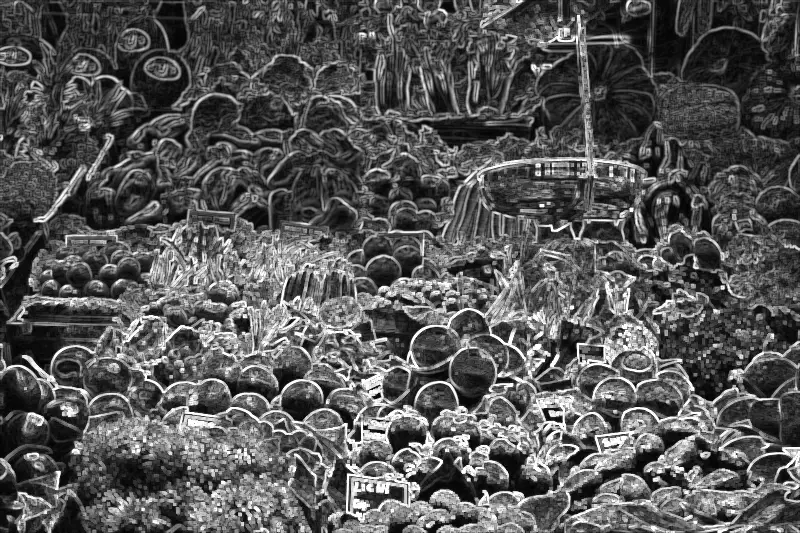
Spot it
- 01Thick even outlines
- 02Dark filled interiors
- 03Glowing boundary bands
Why it happens
A dilation expands bright regions and an erosion shrinks them; subtracting the eroded image from the dilated one leaves bright bands exactly where edges are.
Recreate it in Pixio
Image edit prompt“Apply a morphological gradient to this image: dark flat interiors with bright, evenly thick outlines tracing every boundary, glowing edge bands of uniform width, grey and white linework on black, almost no color. Keep the original subject and composition.”
Open PixioUpload your image and pick an image-edit model.