
Dark Channel Dehaze
Kaiming He and colleagues published this single-image haze removal method in 2009. It assumes haze-free patches contain very dark pixels, and uses them to estimate and remove atmospheric veiling.
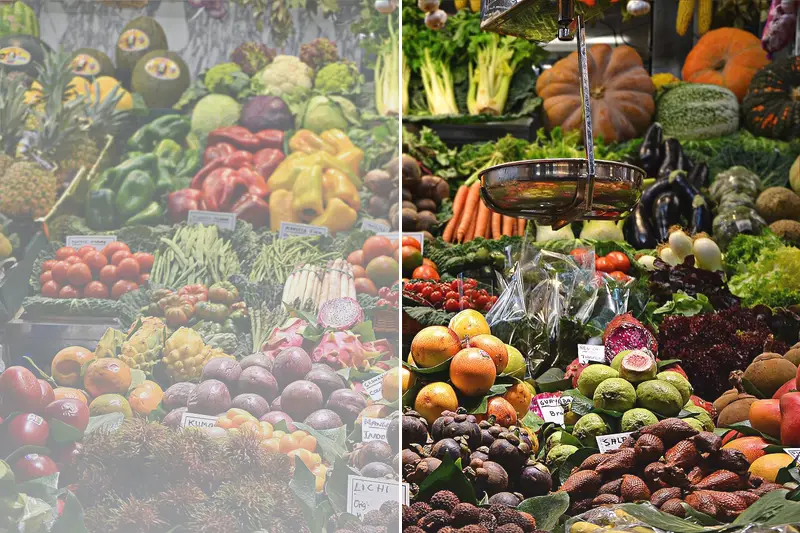
Spot it
- 01Clear deep contrast
- 02Vivid distant detail
- 03Slightly dark saturated look
Why it happens
In each patch, the darkest channel value reveals how much haze is added; this estimates transmission, and the original scene color is recovered by subtracting the airlight.
Recreate it in Pixio
Image edit prompt“Apply dark channel dehazing to this image: all atmospheric haze and fog removed, deep contrast restored, distant details sharp and vivid, saturated colors, slightly darker overall exposure, clean crisp air. Keep the original subject and composition.”
Open PixioUpload your image and pick an image-edit model.