
Split Toning
A color treatment that tints shadows and highlights with two different hues. It began as a darkroom toning practice and became ubiquitous in the 2010s through Lightroom presets and photo apps.
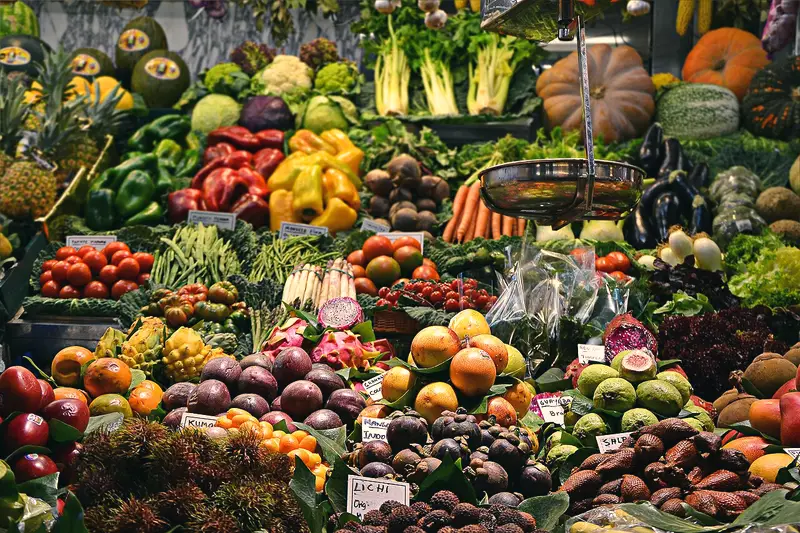
Spot it
- 01Tinted shadows
- 02Contrasting tinted highlights
- 03Muted in-between tones
Why it happens
A color is added in the darker tonal range and a different one in the lighter range, so luminance controls which tint appears and mid-tones blend the two.
Recreate it in Pixio
Image edit prompt“Apply split toning to this image: shadows tinted deep teal-blue, highlights tinted warm golden-orange, soft balanced midtones, slightly faded blacks, gentle contrast and a smooth transition between the two colors. The tints should feel like a deliberate photo-preset look. Keep the original subject and composition.”
Open PixioUpload your image and pick an image-edit model.