
Liquify Brush
Interactive forward warping that pushes, pinches or bloats pixels like wet paint. Photo editors use it to reshape portraits and bodies, and artists use it for stretchy surreal distortion.
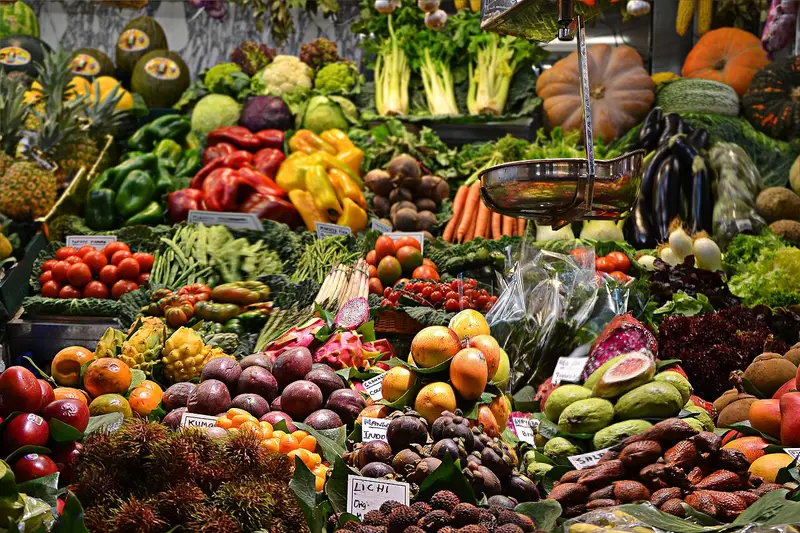
Spot it
- 01Smeared pushed pixels
- 02Fluid stretched features
- 03Smooth flowing deformations
Why it happens
A brush defines a small area; dragging it displaces the pixels under it along the stroke with soft falloff, and the displacement field is applied with interpolation.
Recreate it in Pixio
Image edit prompt“Apply a liquify warp to this image: parts of the picture smeared and stretched in long fluid pulls, a few areas pinched and others bloated, as if wet paint were dragged with a finger, smooth flowing distortion, no tearing. Keep the original subject and composition recognizable.”
Open PixioUpload your image and pick an image-edit model.