
Bloom
Bright regions bleed a soft glow into neighbouring pixels, imitating light scatter in lenses and eyes. Real-time graphics adopted bloom in the 2000s to make highlights feel intensely luminous.
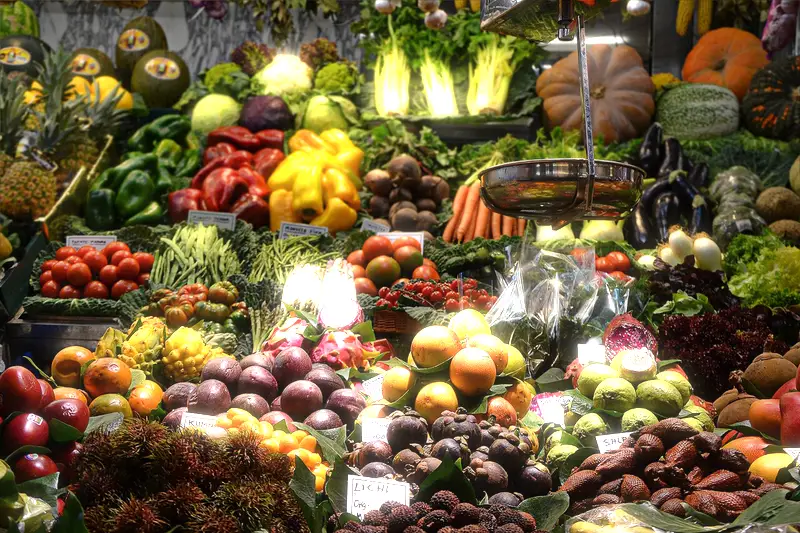
Spot it
- 01Glowing soft highlights
- 02Hazy light bleeding
- 03Dreamy luminous edges
Why it happens
Only pixels above a brightness cutoff are extracted, heavily blurred, and added back to the original image, so highlights glow into surrounding areas.
Recreate it in Pixio
Image edit prompt“Add a strong bloom effect to this image: bright highlights and light sources bleeding soft glow into the surrounding areas, a dreamy hazy luminous atmosphere, slightly lifted blacks, warm glowing edges, fine detail still visible. Keep the original subject and composition.”
Open PixioUpload your image and pick an image-edit model.