
Bounding Box Detection
The localization of objects by drawing a rectangle around each one with a class label and confidence score. It is the most familiar output of object detectors in security, retail and driving applications.
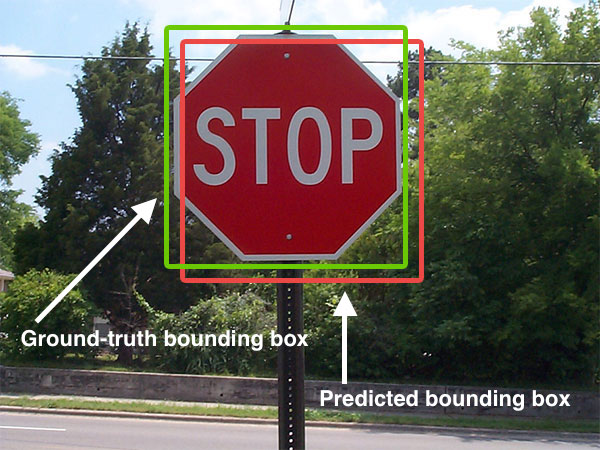
Spot it
- 01Colored rectangle frames
- 02Label tags with scores
- 03Original photo untouched
Why it happens
Predicts, for each candidate region, a class probability and four box coordinates, then removes overlapping duplicates by keeping only the highest-scoring box.
Recreate it in Pixio
Image edit prompt“Draw object detection results on this image: keep the original photo unchanged and add thin, brightly colored rectangle frames around each detected object, with a filled label tab above each box showing the class name and a confidence percentage in small white text. Use a different color per class. Keep the original subject and composition recognizable.”
Open PixioUpload your image and pick an image-edit model.