
Binary Object Mask
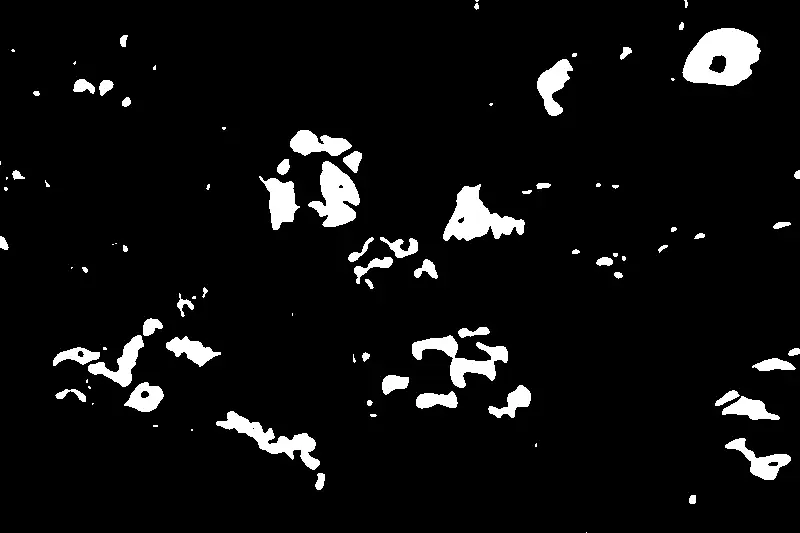
A strictly two-value image in which white marks the selected object and black marks everything else. It is the basic currency of cutouts, compositing, inpainting and region-based editing.
Spot it
- 01Pure white silhouette
- 02Pure black surroundings
- 03Hard stair-stepped edges
Why it happens
Assigns every pixel a single bit, one for inside the object and zero for outside, usually from thresholding or a segmentation model.
Recreate it in Pixio
Image edit prompt“Convert this image into a binary object mask: the main subject becomes a solid pure white silhouette and everything else becomes pure black, with no gray, gradients, texture or interior detail. Edges are hard and crisp. Keep the original subject outline and composition recognizable.”
Open PixioUpload your image and pick an image-edit model.