
RGB Channel Isolation
The separation of an image into its red, green and blue layers so each can be viewed alone. It reveals which channel carries the detail or noise, and is a basic step in retouching and analysis.
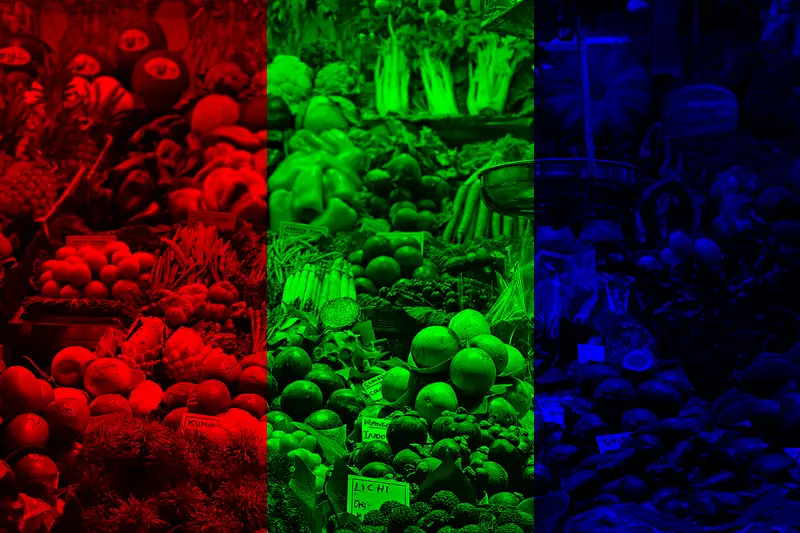
Spot it
- 01Three grayscale panels
- 02Red, green, blue tints
- 03Different contrast per channel
Why it happens
Keeps one of the three color channels and sets the other two to zero, or shows that channel alone as a grayscale image.
Recreate it in Pixio
Image edit prompt“Show RGB channel isolation for this image: split it into three side-by-side panels of the same picture, the first showing only the red channel tinted pure red, the second only the green channel tinted pure green, the third only the blue channel tinted pure blue, each on black. Keep the original subject and composition recognizable.”
Open PixioUpload your image and pick an image-edit model.