
Luminance Grayscale
A conversion to black and white that preserves perceived brightness by weighting red, green and blue unequally. The widely used Rec. 601 weights come from the 1950s–1980s television standards and treat green as the brightest channel.
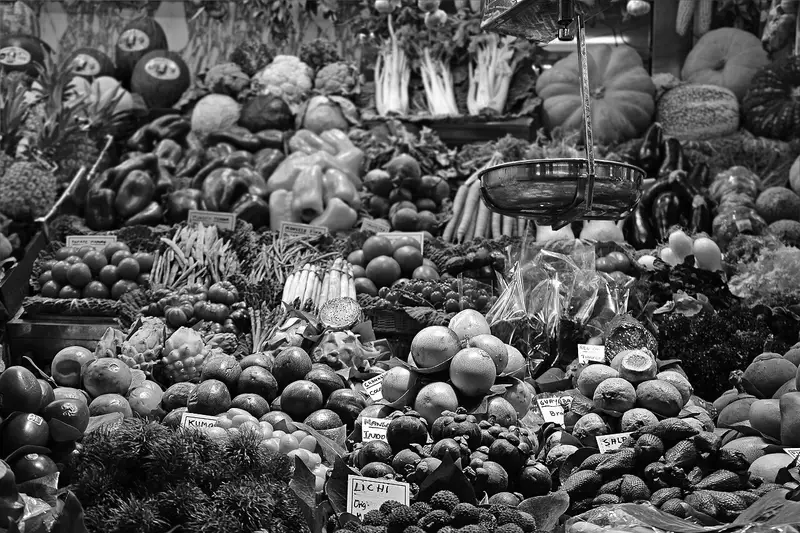
Spot it
- 01Natural neutral grays
- 02Bright greens, dark blues
- 03No color cast
Why it happens
Replaces each pixel with a weighted sum of its channels, about 0.299 red, 0.587 green and 0.114 blue, matching the eye's greater sensitivity to green.
Recreate it in Pixio
Image edit prompt“Convert this image to luminance grayscale: a neutral black-and-white version with tones weighted by perceived brightness, so greens and yellows appear light, reds mid-gray and blues dark, with smooth tonal gradation, no color tint, no added contrast or grain. Keep the original subject and composition recognizable.”
Open PixioUpload your image and pick an image-edit model.