
Lab Opponent Channels
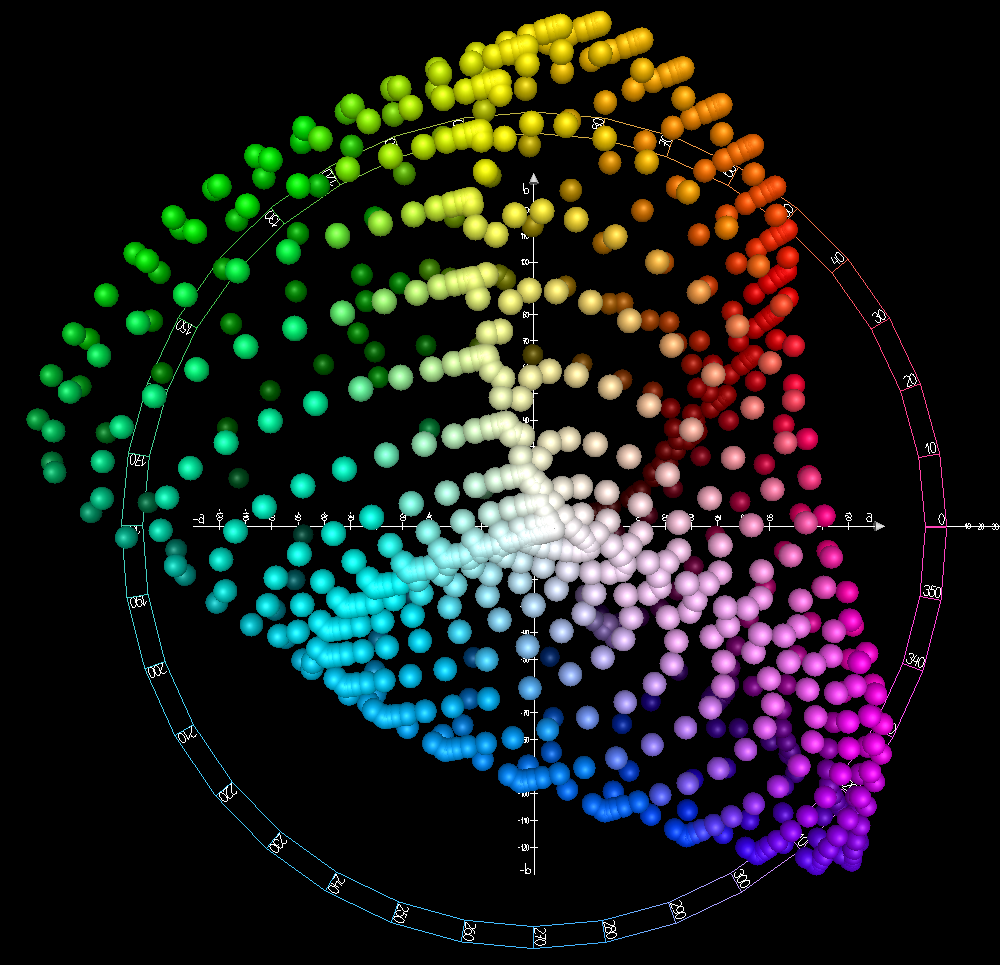
The separation of an image into lightness plus two color-opponent axes, green–red and blue–yellow, in the CIELAB space standardized in 1976. It models human vision and is widely used for color-accurate editing.
Spot it
- 01Gray lightness panel
- 02Green–magenta color panel
- 03Blue–yellow color panel
Why it happens
Converts RGB through the XYZ space into L for lightness, a for the green–red axis and b for the blue–yellow axis, designed so equal distances look like equal color differences.
Recreate it in Pixio
Image edit prompt“Show Lab opponent channels for this image: three side-by-side panels of the same picture, the first showing L lightness in grayscale, the second showing the a axis from green through gray to magenta-red, and the third showing the b axis from blue through gray to yellow. Keep the original subject and composition recognizable.”
Open PixioUpload your image and pick an image-edit model.