
01
Every medium, one app
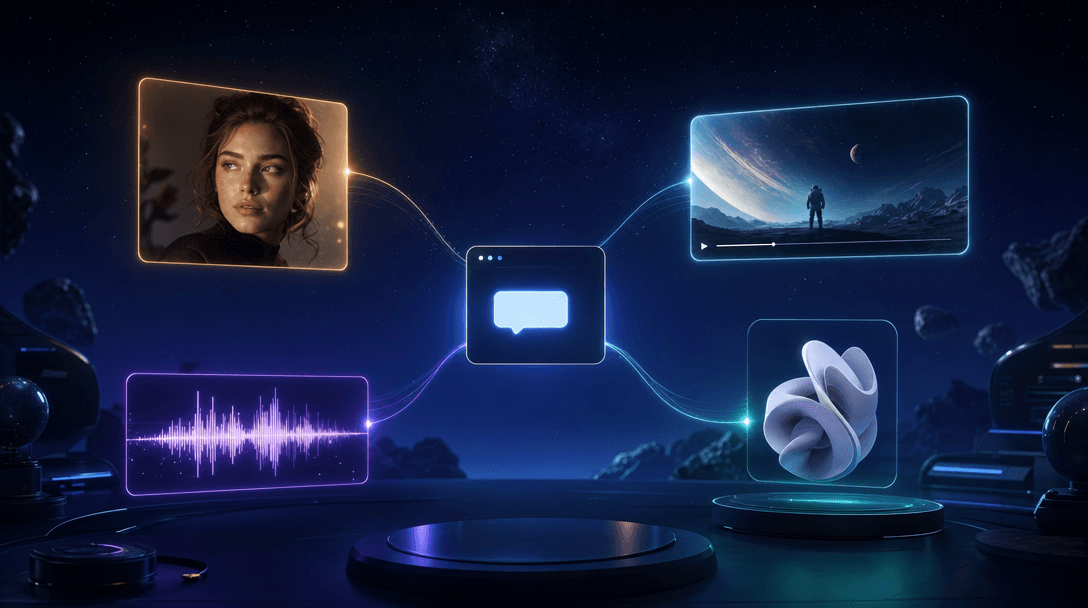
Images, video, music, voiceovers, sound effects, and 3D models, with 600+ AI models a thumb away.
The whole studio fits in your pocket.
Generate anything from your iPhone with Pixio AI. Draw alongside an AI companion on your iPad with Pixio Canvas. Two free apps, one creative world.
Your companion paints along when the pencil rests.
 4 images
A midnight astronaut, cinematic rim light
Everything you make on the web, rebuilt for a phone. Start an idea on the train and finish it before your stop.
Images, video, music, voiceovers, sound effects, and 3D models, with 600+ AI models a thumb away.
Describe the idea. Pix picks the right model, shapes the prompt, and generates it for you.
Lay out posters, posts, and multi-page designs with your fingers, then export PNG, JPG, or PDF.
Cut on a proper timeline and export finished MP4s at up to 4K, straight from your phone.
Hand over a story idea and get it broken down into episodes, scenes, and shots.
Chain AI steps into reusable pipelines and run your best process again with one tap.
Sign in with your Pixio account, Apple, or Google and everything you create syncs with the web studio. Requires iOS 16.4 or later.
An Apple Pencil drawing studio with a Pixio-powered companion. Start from a blank page or an image from your Pixio Library, then sketch, refine, trace, and animate.
Pure drawing focus. Your companion stays out of the way until you invite it in.
It only speaks when spoken to. Tap the Spark and get a response exactly when you want one.
It answers after your pencil rests, at a Flowing or Patient pace, like drawing with a friend.
Pen, pencil, marker, and eraser with palette and eyedropper colors, plus crop, zoom, pan, and rotate.
Choose a style and strength, then type or speak your intent. Remove objects or outpaint past the edge.
Turn a finished sketch into a video you can share anywhere.
Companion results land on their own layers. Reorder, hide, fade, or branch from an earlier result.
Search tracing guides by subject or skill, or make your own from a photo or a description.
Drawing and stencils work with no connection, and Canvas asks before every AI request.
Drawing and the built-in stencils work on their own. Companion features connect with a Pixio API key and use your Pixio credits. Requires iPadOS 18 or later.
Phone, tablet, desktop, or browser. Pixio meets you on whichever screen is closest when the idea arrives.
Create, edit, and direct on the go. Your library syncs with the web studio.
Get it on the App StoreOn your lapDraw with Apple Pencil alongside an AI companion that paints with you.
Get it on the App StoreAt your deskA focused studio window with tabs, drag-and-drop, and native notifications.
Explore Pixio DesktopAnywhereNothing to install. Open a tab and your creative world is already there.
Open Pixio in browserPoint your camera at a code, or tap a button on your device.