
Masked Generation
Only a selected region of the image is regenerated while everything outside the mask is preserved. It is the basis of generative fill, object replacement and removal, and local repairs.
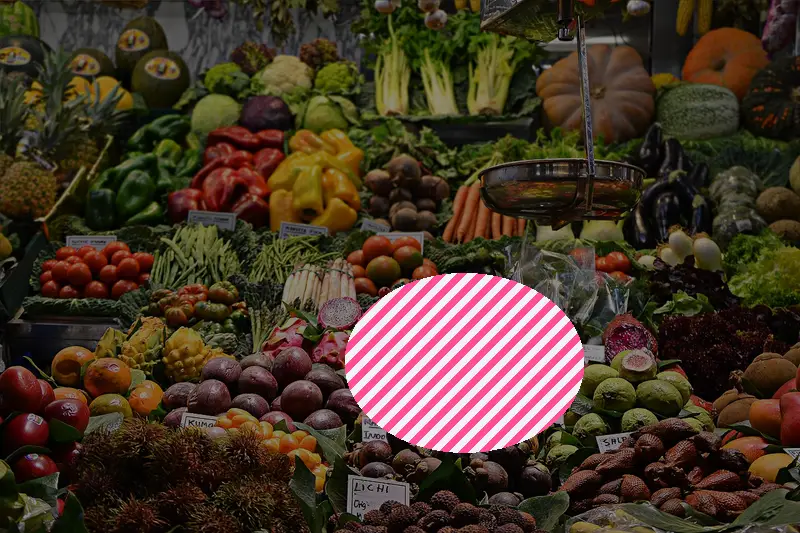
Spot it
- 01Edited region only
- 02Untouched surroundings
- 03Blended soft mask seams
Why it happens
A mask marks the area to change; at every denoising step, the model generates only inside it and the unmasked pixels are held to the original content so borders blend.
Recreate it in Pixio
Image edit prompt“Replace only the selected object in this image with a new, realistic one described in the prompt: matching the scene's lighting, shadows, perspective and color grading, with a seamless soft blend at the mask edges. Keep everything else in the original subject and composition untouched.”
Open PixioUpload your image and pick an image-edit model.